Issue work orders
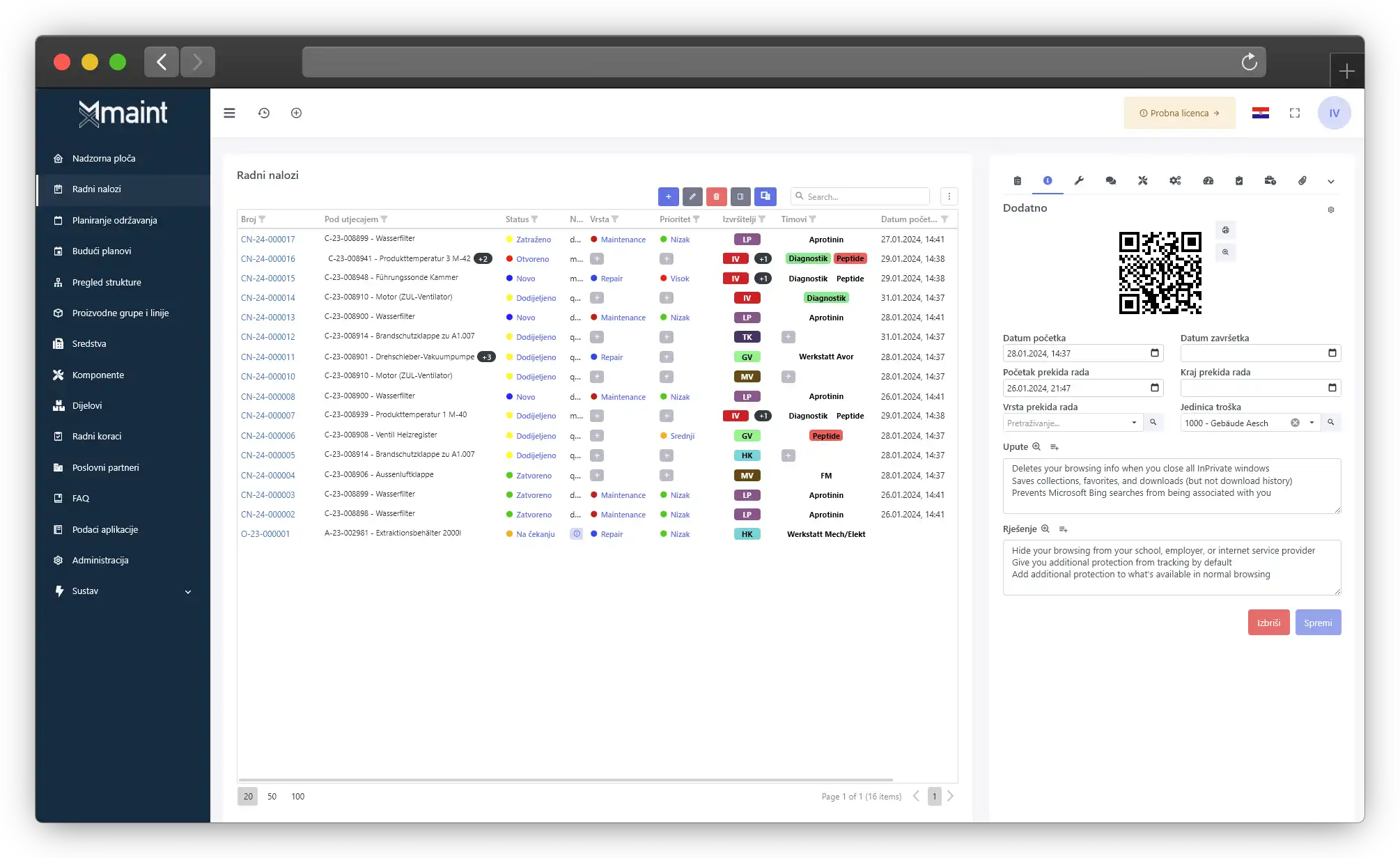
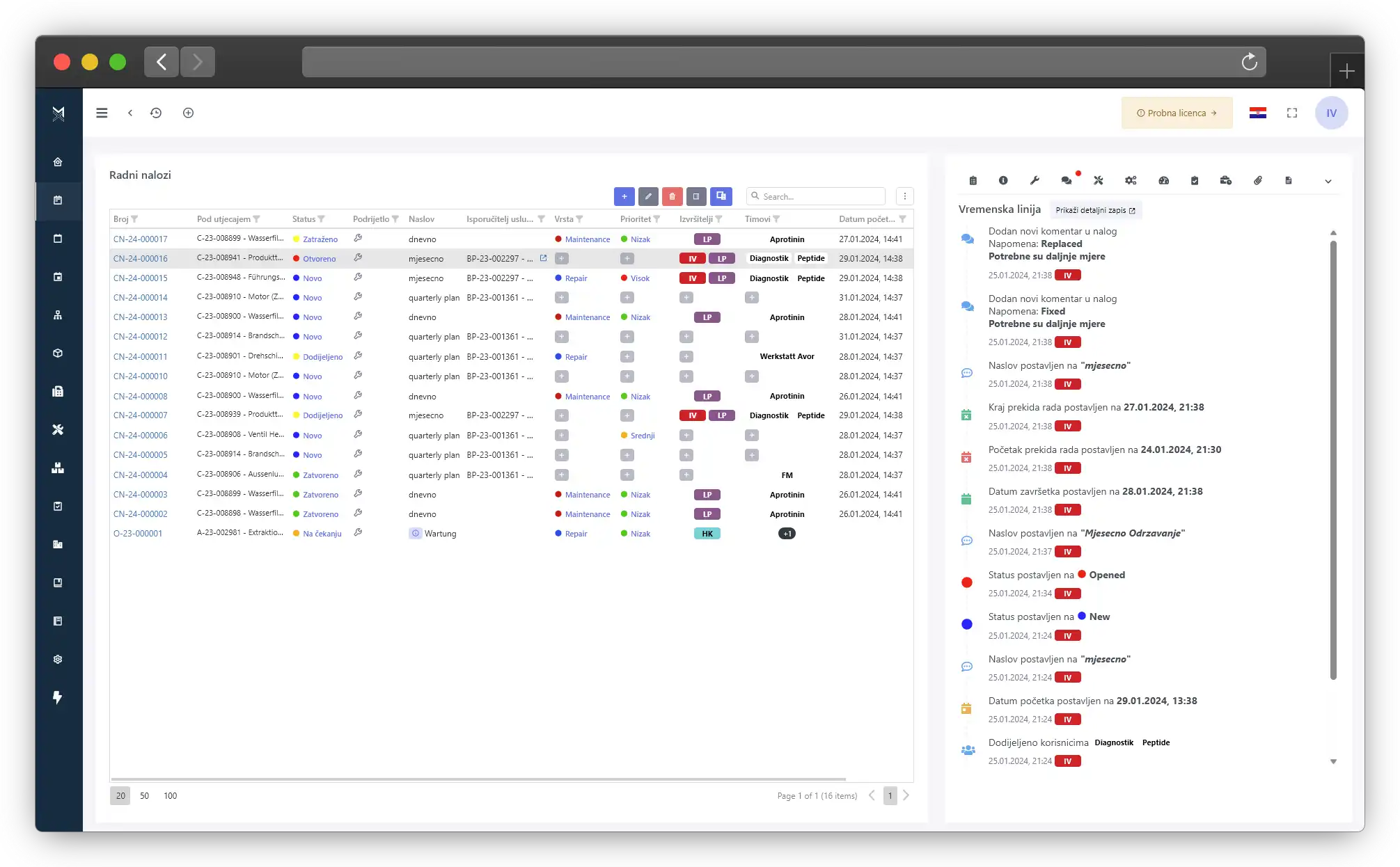
Create detailed work orders for every maintenance task in seconds.
MX-Maint is a CMMS software that helps maintenance teams plan preventive maintenance, manage work orders, and track assets in one system.
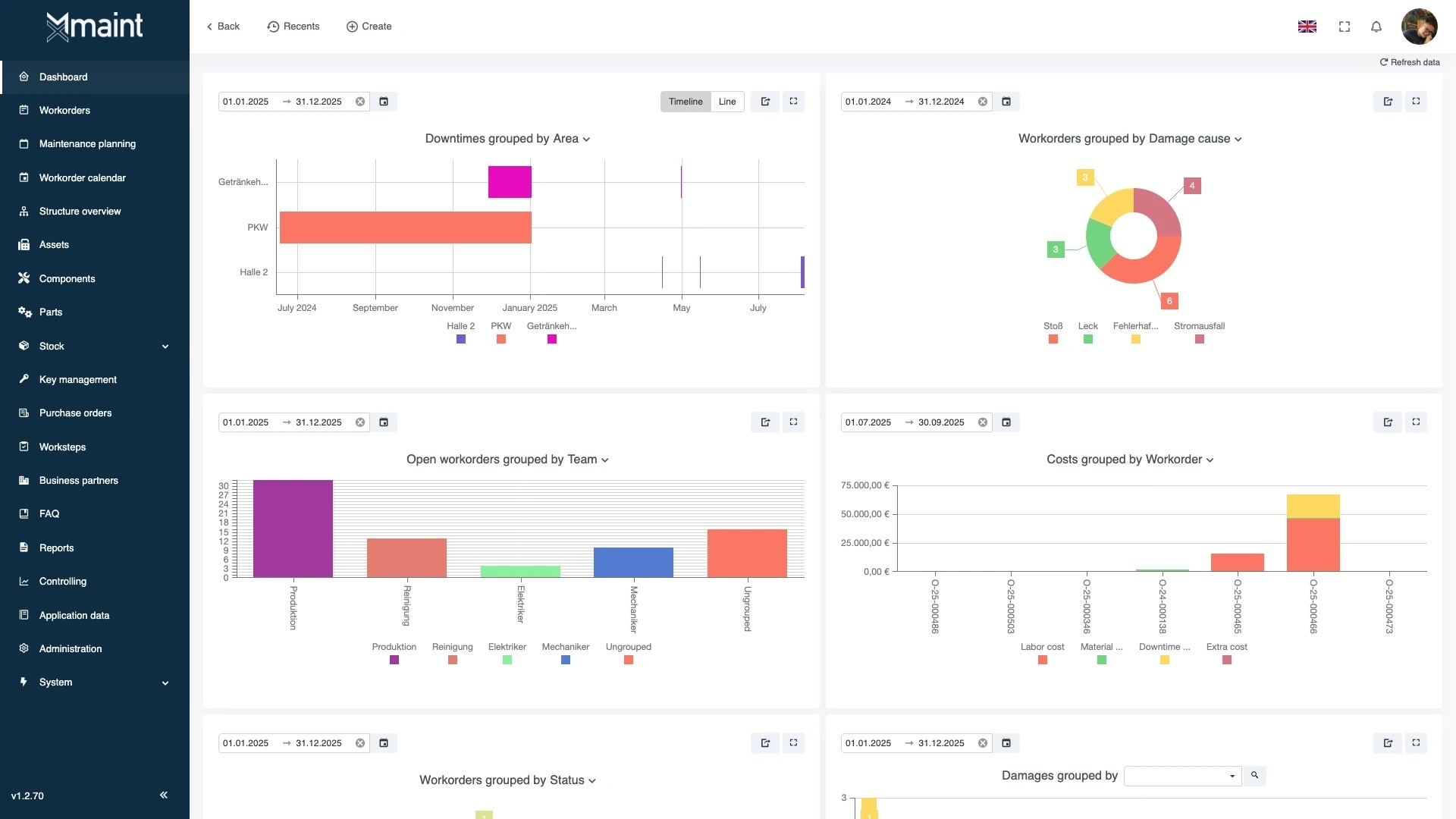
From planning and documentation to automated notifications, MX-Maint covers the entire maintenance lifecycle.
Track every maintenance interval, machine and site so no task goes unnoticed.
Automatically generate maintenance logs, reports and full documentation ready for audits.
Technicians receive reminders and can work from the mobile app wherever they are.
Create detailed work orders for every maintenance task in seconds.
Monitor progress and statuses in real time across technicians and teams.
Automate routine tasks and recurring work so execution stays consistent.
Log idle time or outages to plan resources and minimise downtime.
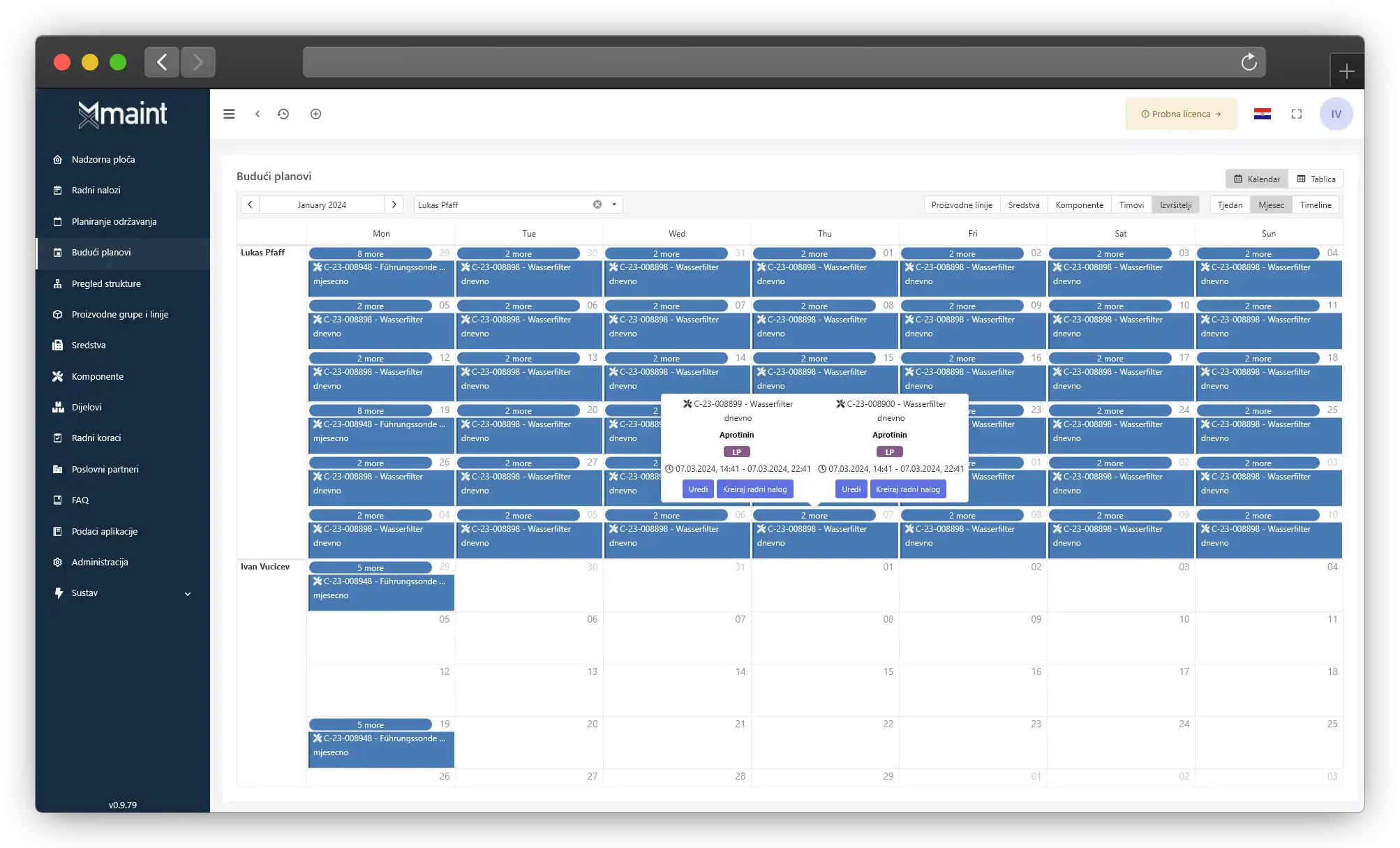
Implement complex maintenance strategies with a flexible planning tool.
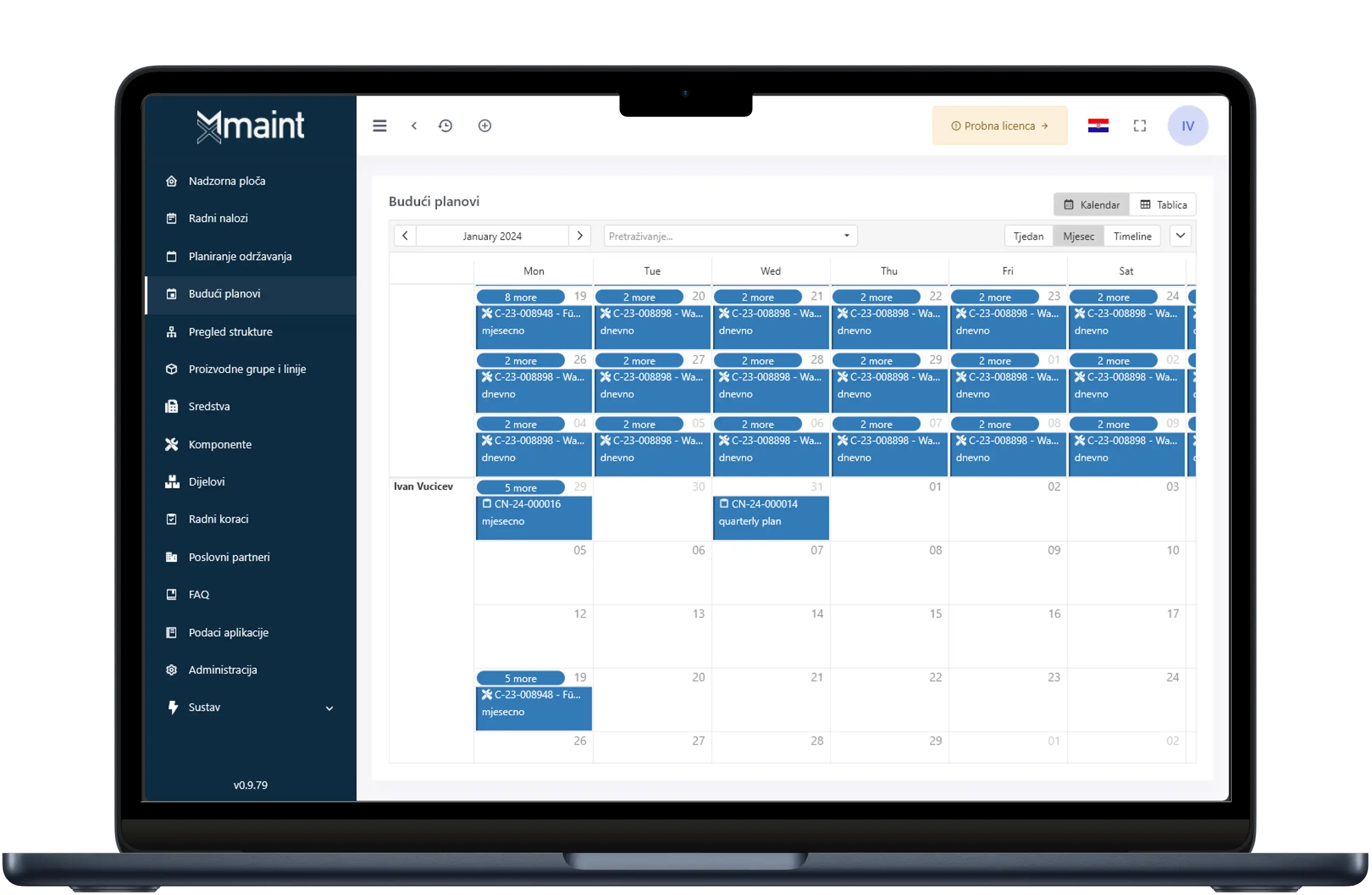
Manage upcoming work with a detailed, interactive calendar.
Track due dates and ensure every planned activity finishes on time.
Monitor how tasks are executed in real time and keep teams aligned.
Automate service schedules to keep every piece of equipment running reliably.
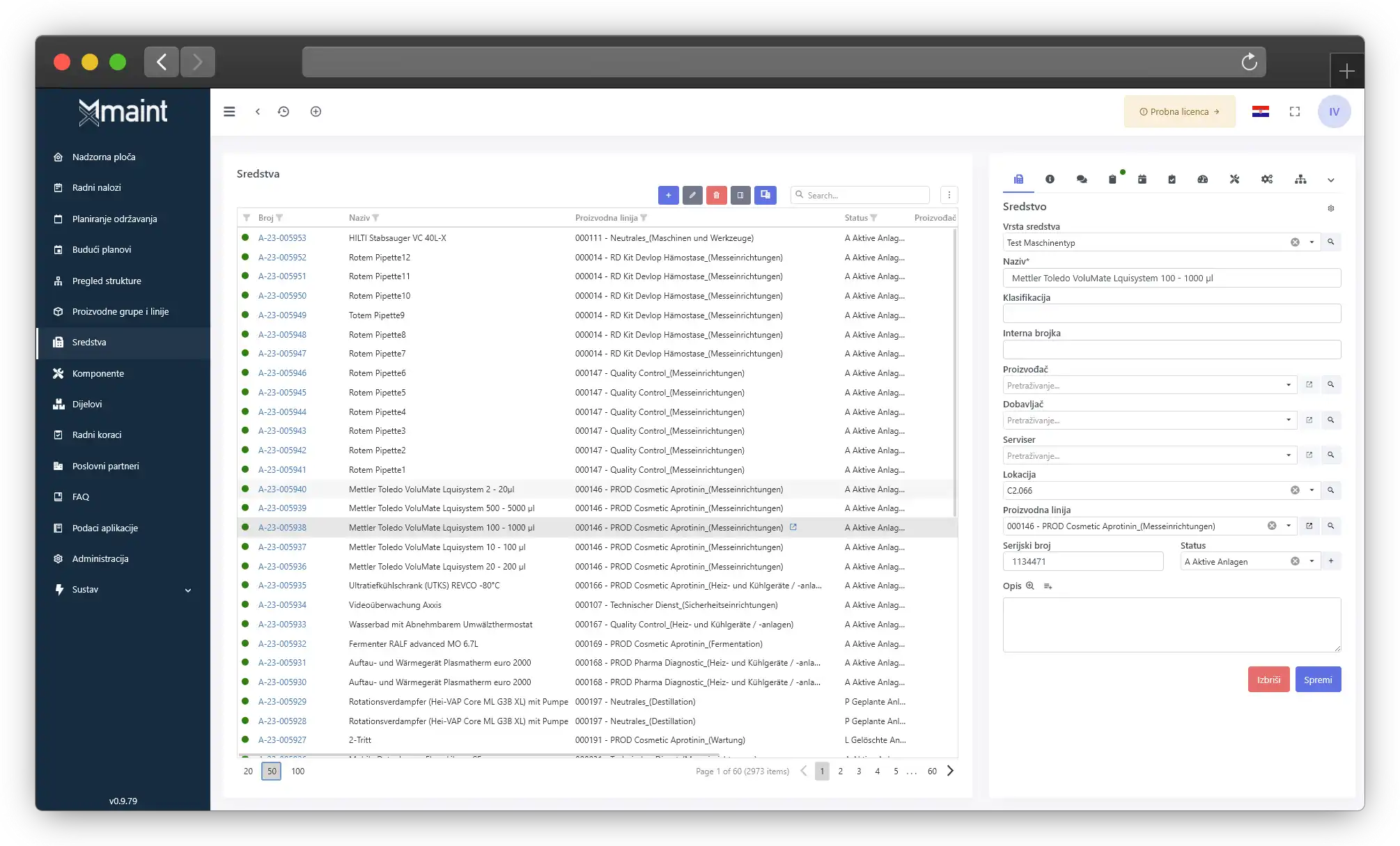
Track every aspect of your assets and spare parts from acquisition to disposal.
Continuously monitor condition and performance for optimal decision-making.
Access detailed reports and analytics to support data-driven actions.
Let stakeholders log issues quickly through an intuitive portal.
Give requesters real-time insight into the status of their tickets.
Submitted issues automatically sync with corresponding work orders.
Maintain a full history of every request for easy reference.
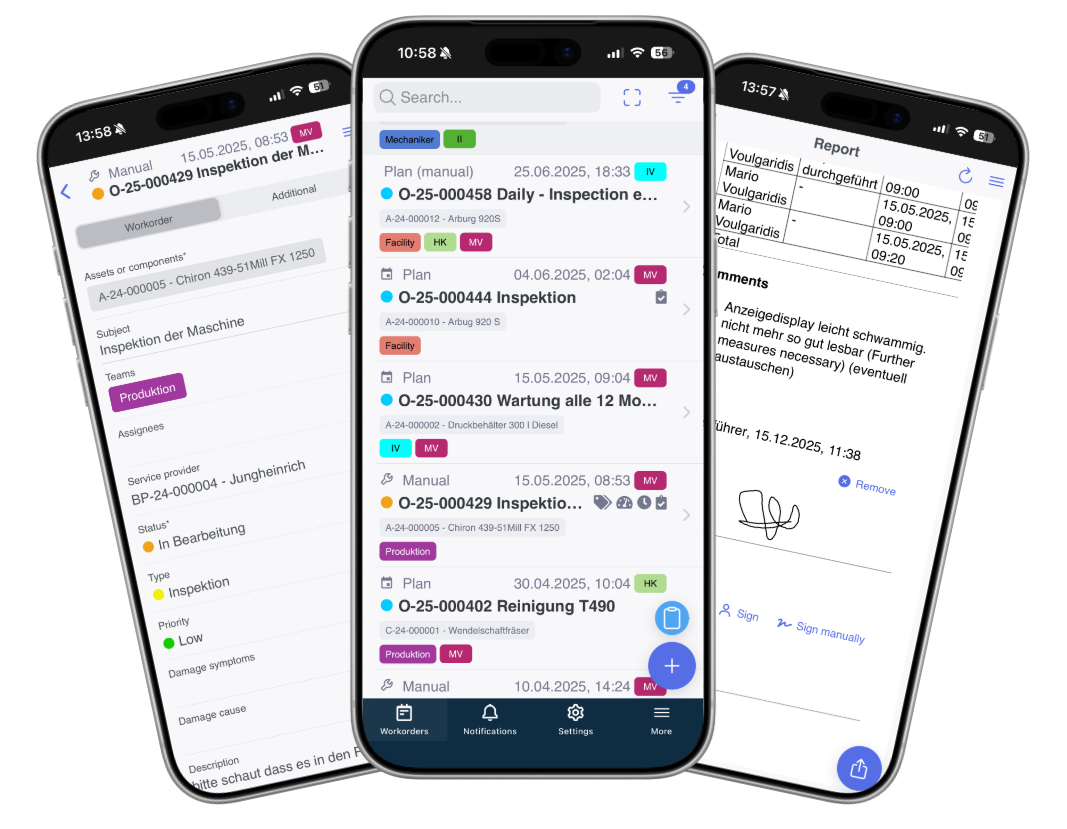
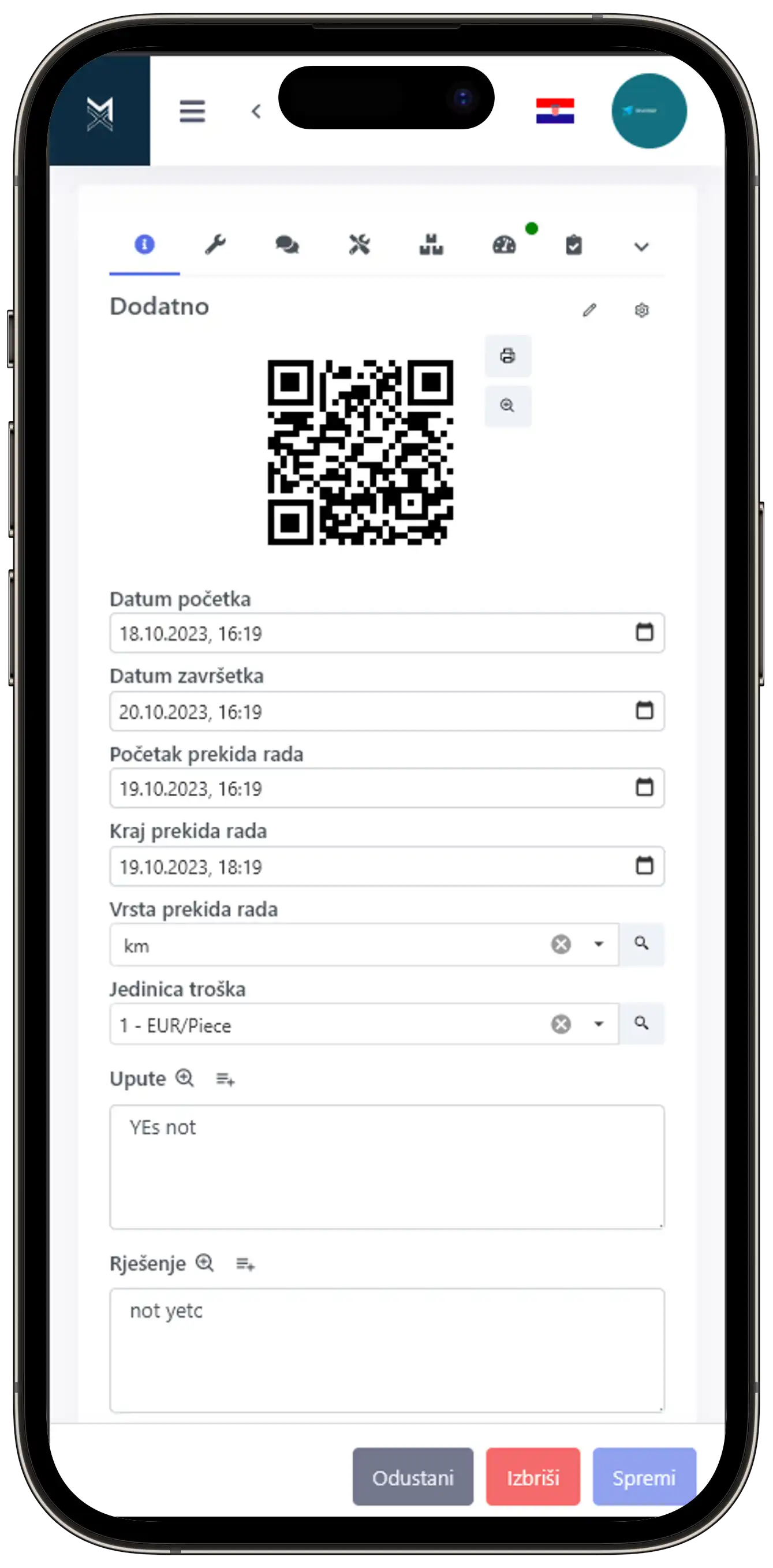
Access all CMMS functionality on mobile while working in the field.
Changes sync instantly between mobile devices and the web platform.
Continue working offline and sync data automatically once connected.
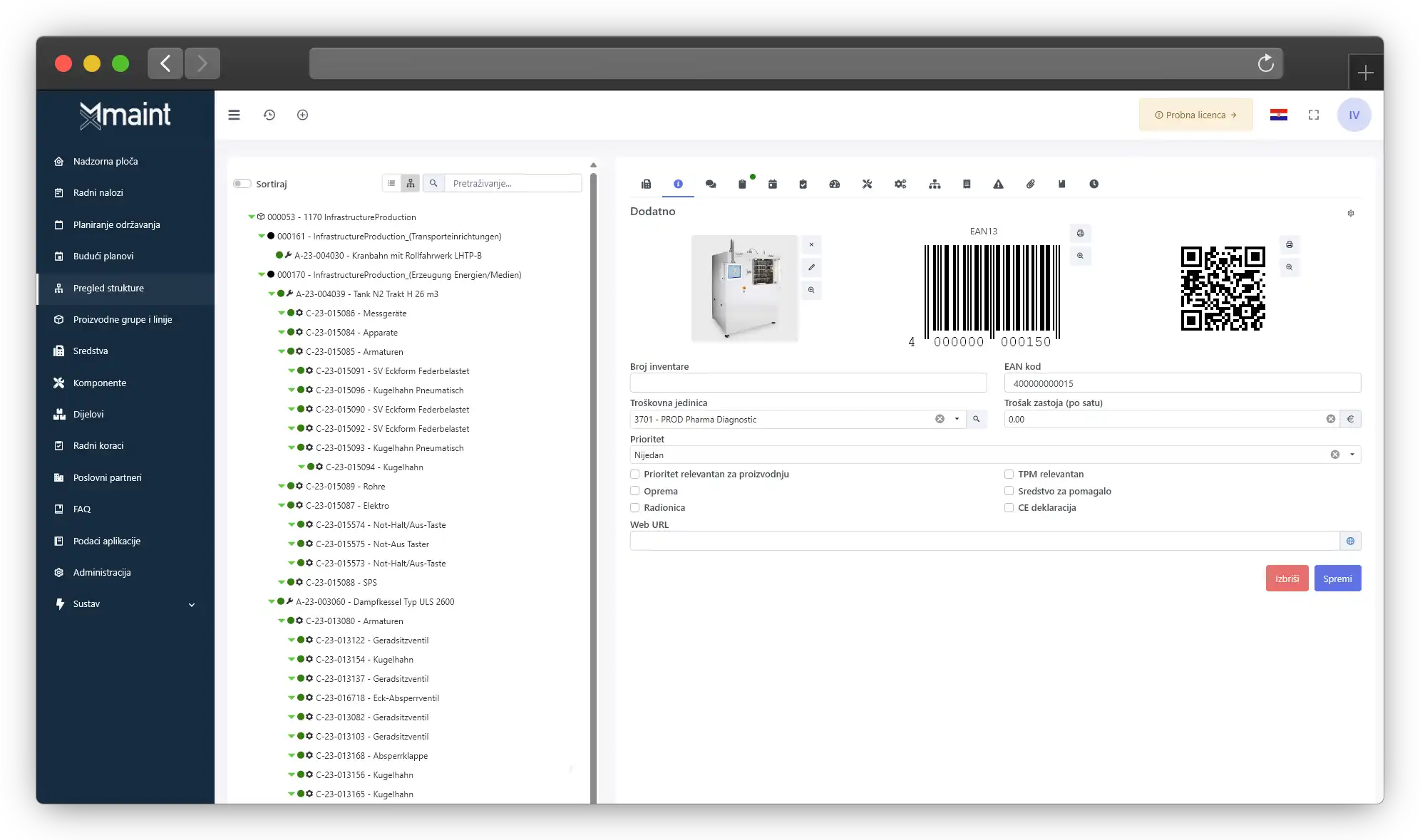
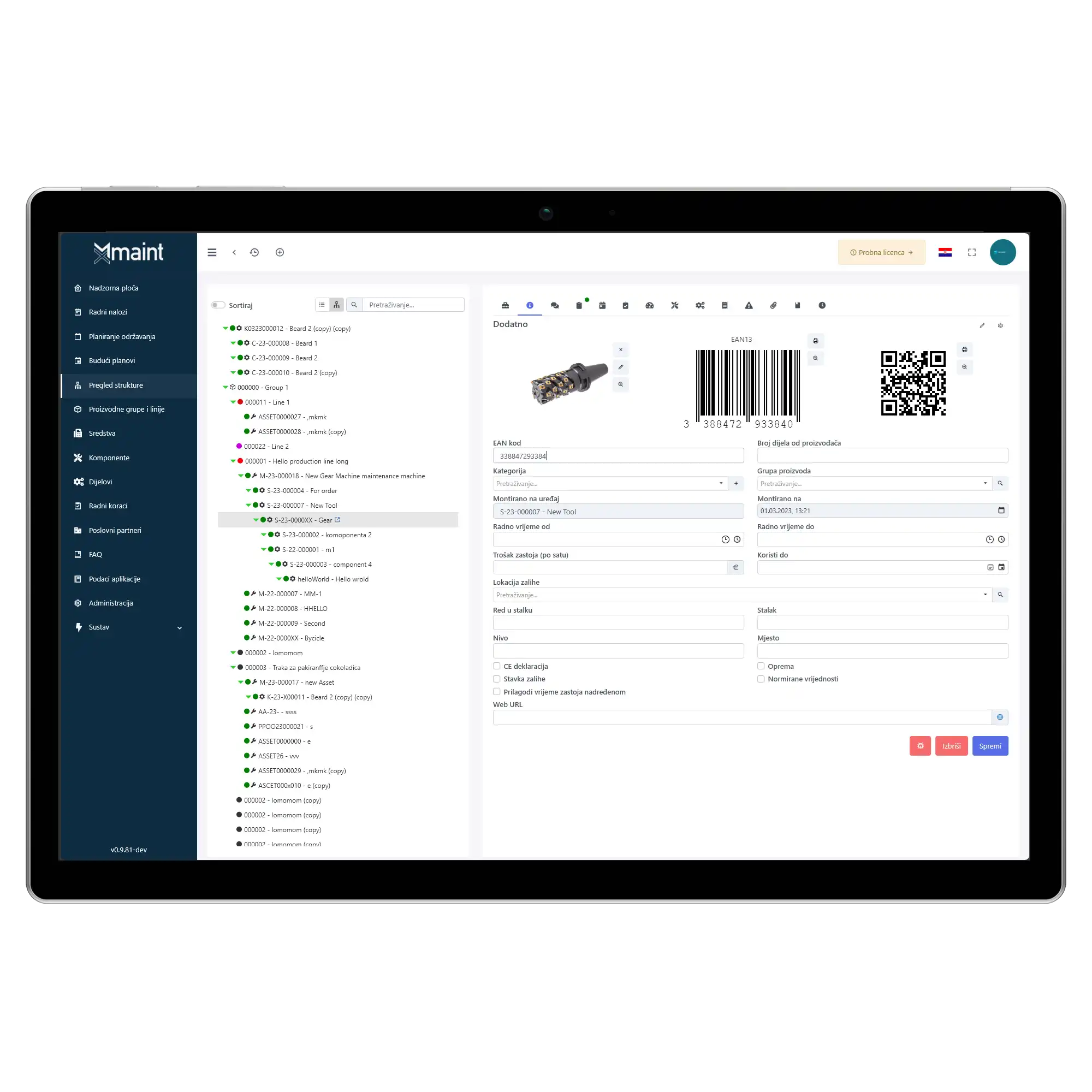
Identify equipment and open its records by scanning QR codes.
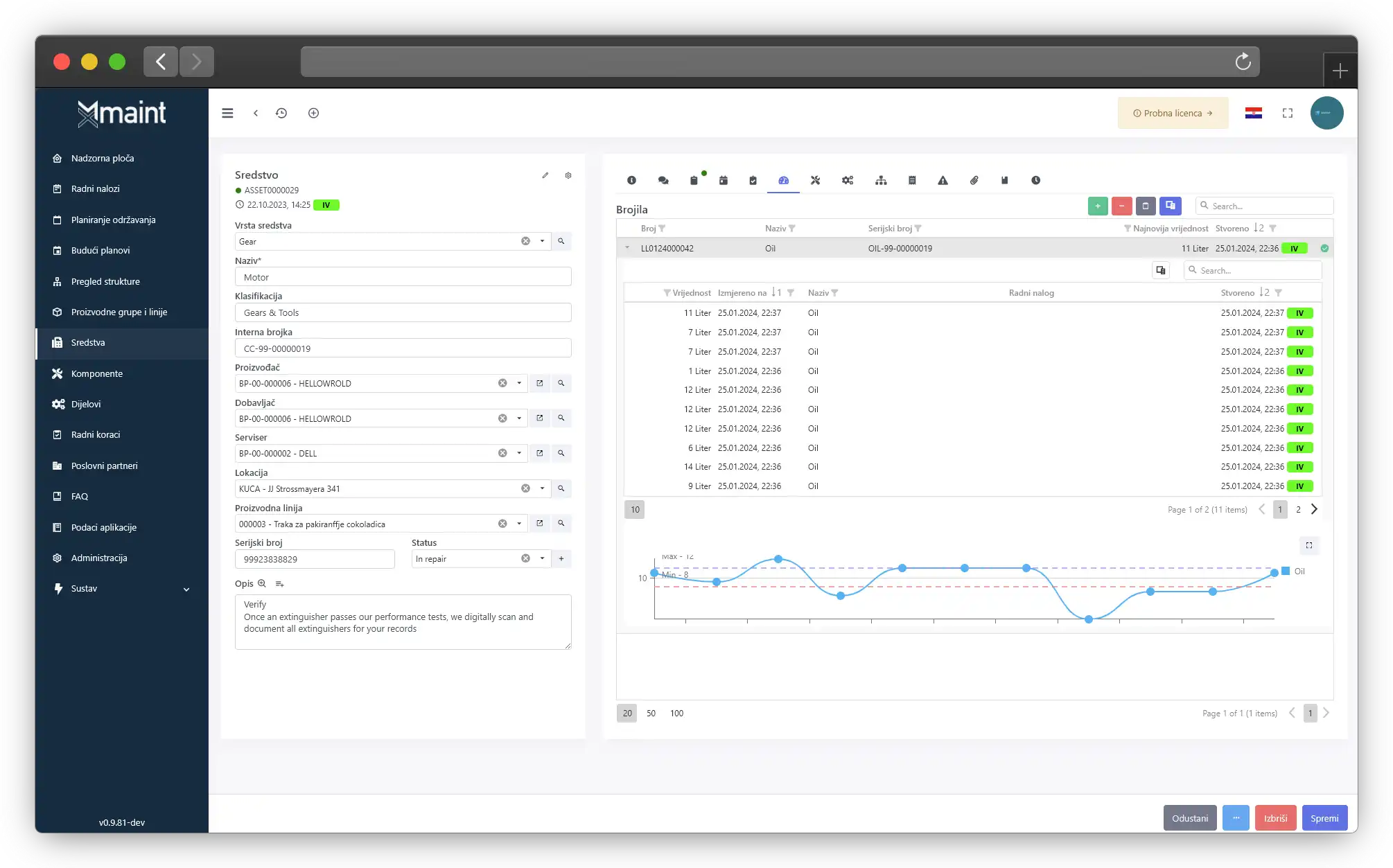
Beyond the core modules, MX-Maint CMMS also packs many supporting capabilities.
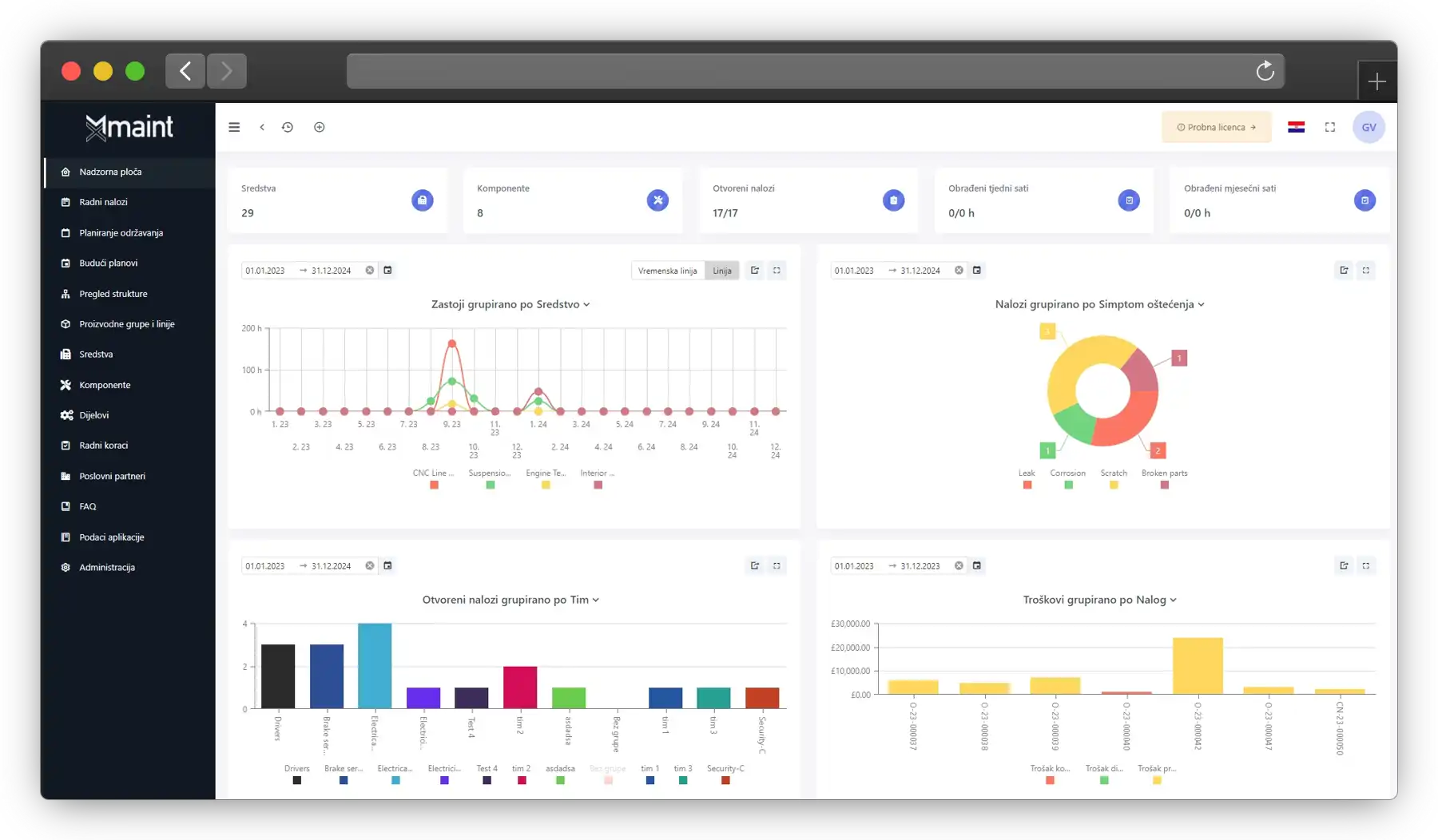
Comprehensive KPIs with advanced filtering and interactive charts.
Visualise asset hierarchies, dependencies and asset trees in detail.
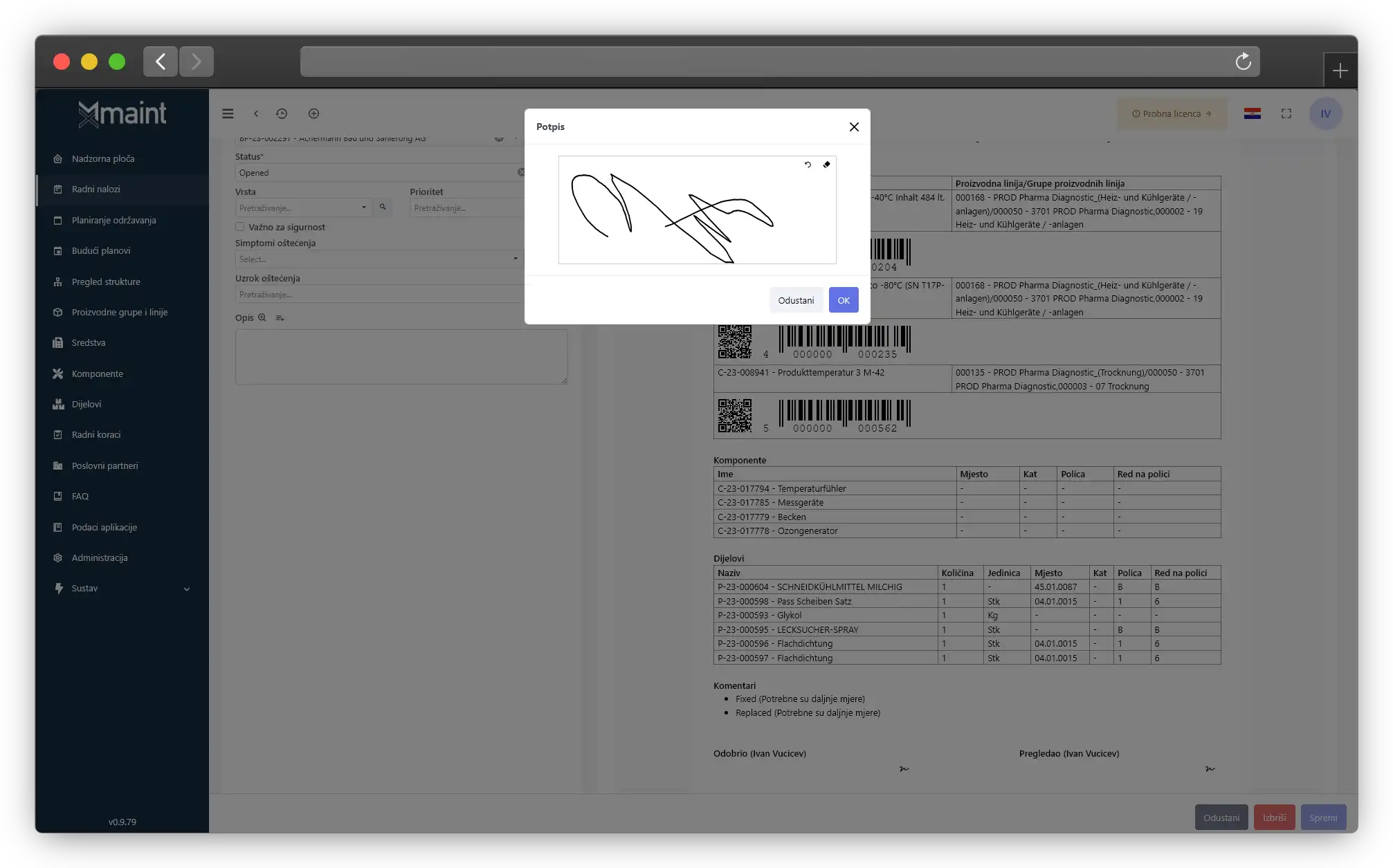
Fast, secure electronic signatures for streamlined approvals.
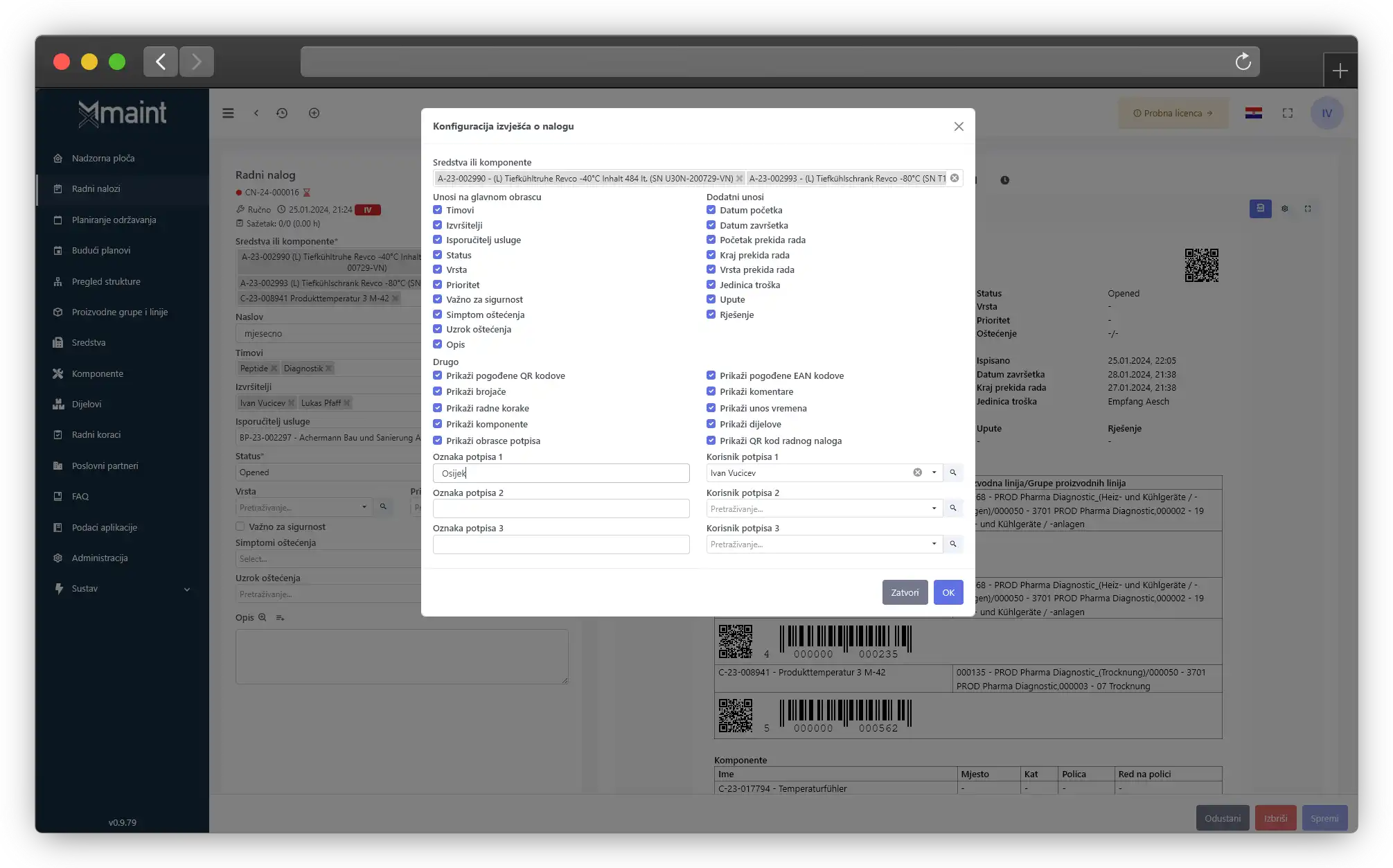
Tailor every report to match your specific business needs.
Automated email notifications keep everyone informed instantly.
Distribute and monitor tasks efficiently within your team.
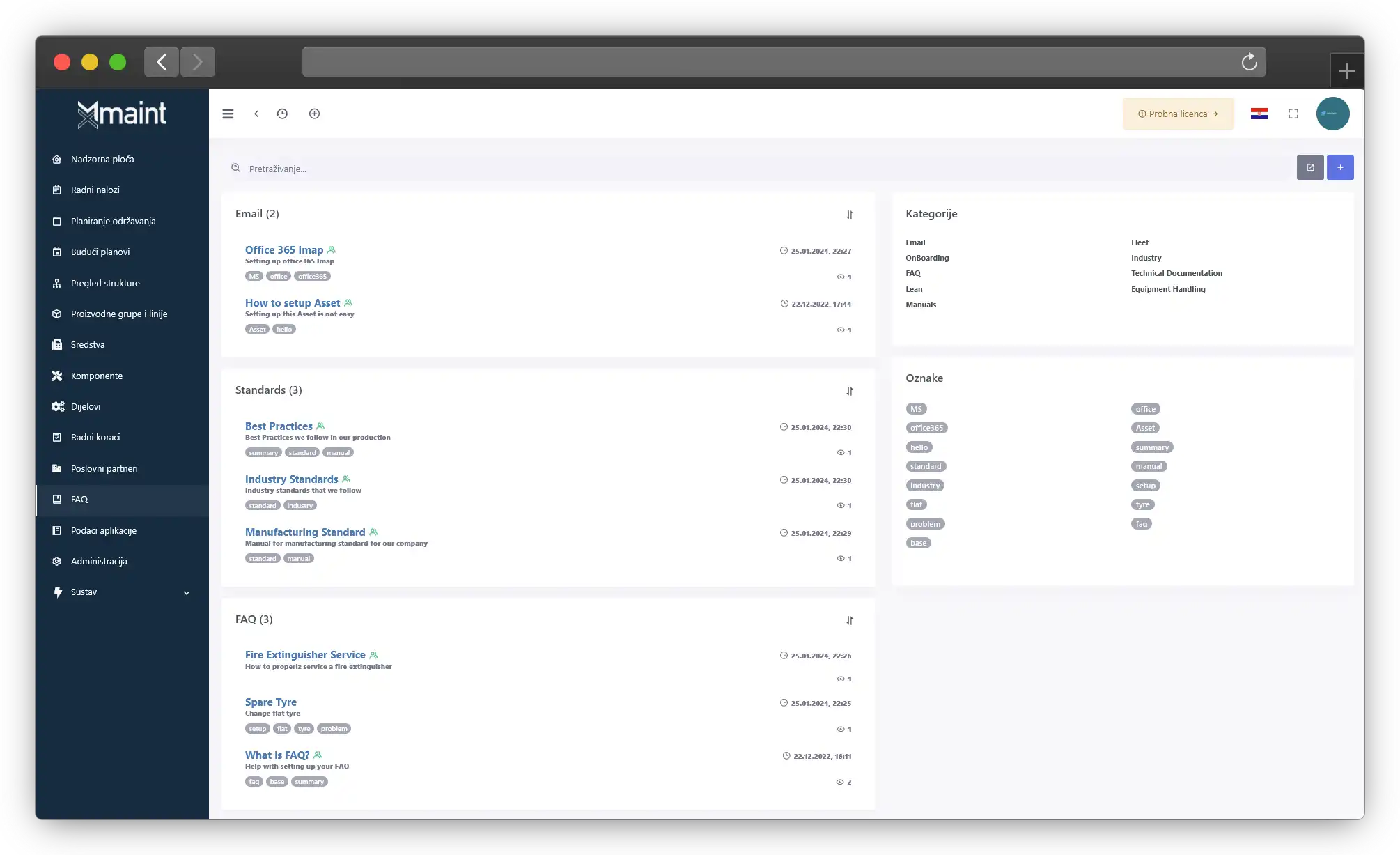
Instant answers to common questions for faster troubleshooting.
Analyse underlying causes to resolve issues faster.
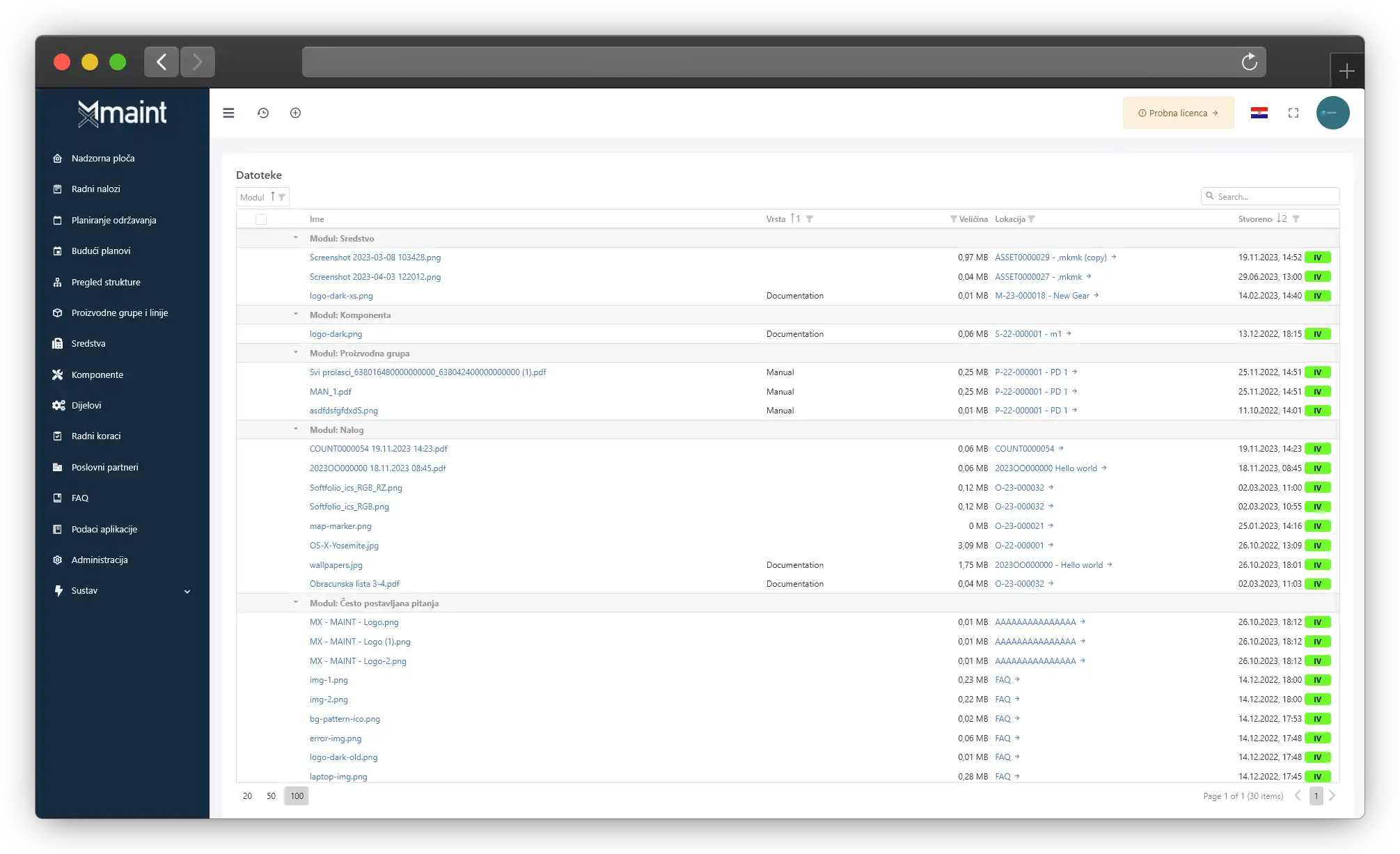
Store manuals and critical files in one easily accessible place.
Track calibration states and readings for every instrument.
Manage spare part stock levels with precision.
Oversee production assets and processes with ease.
Alongside a one-time activation fee, we offer flexible plans tailored to your company’s needs. Pricing is per user per month.
From small teams to large enterprises, MX-Maint adapts to your maintenance processes.
Find quick answers to the most common questions. If you need more details, feel free to reach out to us.
Yes, we offer a 30-day free trial with the option to extend it so you can experience the full platform before committing.
Pricing depends on the size of your organisation and the modules you need. We provide several licensing tiers so you can choose the right level of functionality and support.
We typically invoice annually, but monthly or quarterly payment options are also available for full flexibility.
There is a one-time activation fee of €2,500 which can vary based on the size and specific requirements of your organisation. It covers onboarding and configuration.
Licences renew automatically at the end of each billing cycle, but you can cancel beforehand. We always notify you of upcoming renewals.
Our reliability comes from years of experience delivering CMMS solutions and partnering with a leading global CMMS vendor, which ensures continual improvements.
Absolutely. The system is flexible so reports and functionality can be tailored to match your organisation’s processes.
Our implementation team guides you through a proven migration process to ensure data is transferred securely and efficiently.
Ready to talk? Reach out to book a presentation or request a personalised demo.
Book a presentation